Smart FBX Exporter
A downloadable tool
✨ Key Features
- Batch Export – Export multiple objects at once in a single FBX file
- Preserve Hierarchy – Object structure remains intact with an empty root object
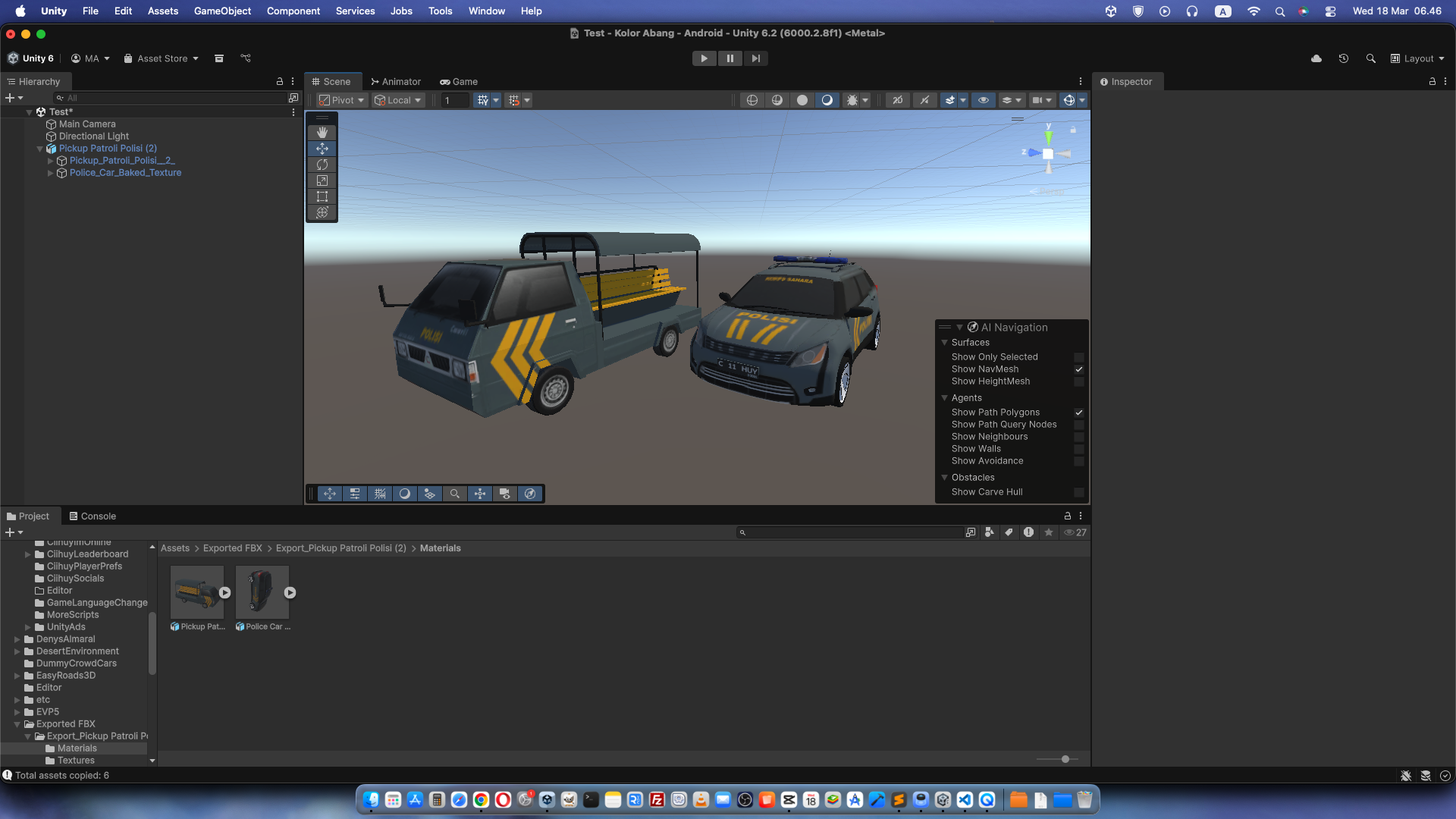
- Material & Texture Auto-Copy – All material (.mat) and texture files are automatically copied to separate folders
- World Position Preserved – Objects maintain their exact scene positions
- Smart File Handling – Automatically handles duplicate file names
- Clean Folder Structure – Export results are organized and ready to use
🎯 Who Is This Tool For?
- 3D Artists – Export assets from Unity to Blender/Maya/3DS Max
- ArchViz Developers – Export furniture and props with their materials
- Game Developers – Backup assets or migrate between projects
- Asset Creators – Package assets for sale or sharing
- Team Collaboration – Handoff assets to programmers or other artists
🚀 How to Use
1. Install FBX Exporter
- Open Window > Package Manager
- Search for "FBX Exporter" (official Unity package)
- Click Install
2. Import Smart FBX Exporter
- Download this package
- Import into your Unity project
- Done! The tool is ready to use
3. Export!
- Select objects in your scene
- Click Tools > Smart FBX Exporter > Export Selected
- Choose your output folder
- Done!
Download
Click download now to get access to the following files:
Leave a comment
Log in with itch.io to leave a comment.